
Account and legal
Plan and billing
Book, change, cancel or withdraw a Mailiy plan: monthly or yearly billing, add-on packs, payment through Stripe and your invoices.
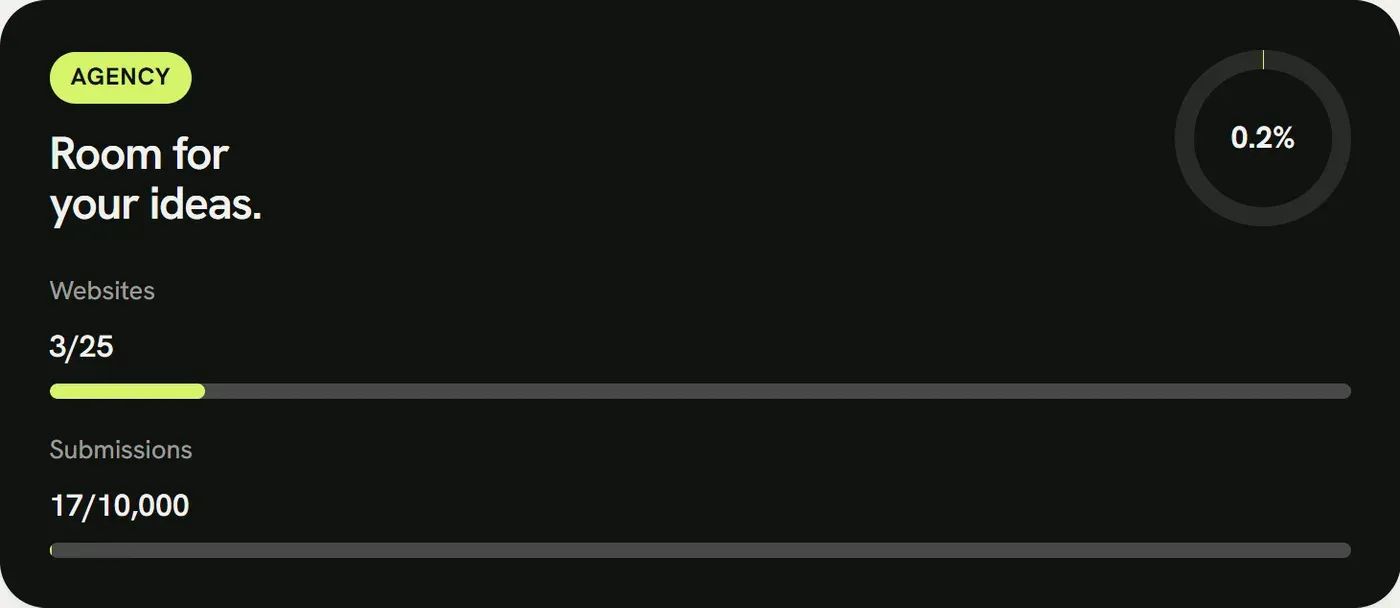
Book a paid plan in the dashboard under “Billing”, monthly or yearly (yearly costs ten months). Stripe handles payment. You can add packs there too: +5 email addresses, +1 seat (Agency and up) and +10 GB storage.
- Upgrades and packs apply at once. For the rest of the period you only pay the difference.
- Downgrades apply from the next period. If you use more than the smaller plan allows, the dashboard shows what to reduce first.
- You can cancel at any time to the end of the paid period, in the dashboard or without signing in via Cancel contracts here. Until then you can take it back. After that the account continues on the Free plan.
- When you order, you choose whether you order as a private person or a business. Businesses such as agencies enter the company name and VAT ID at Stripe. Prices are final; as a small business we charge no VAT.
- As a private person you can withdraw within the first 14 days and get the unused share back. Businesses have no right of withdrawal. Details are in the withdrawal notice.
- Invoices are under “Billing” as PDF. Change your payment method and billing address in the Stripe customer portal, which opens from there.