
Account and legal
Sign-in and security
Sign-in with password and a second factor, signed-in devices, notifications, changing your address and deleting your account at Mailiy.
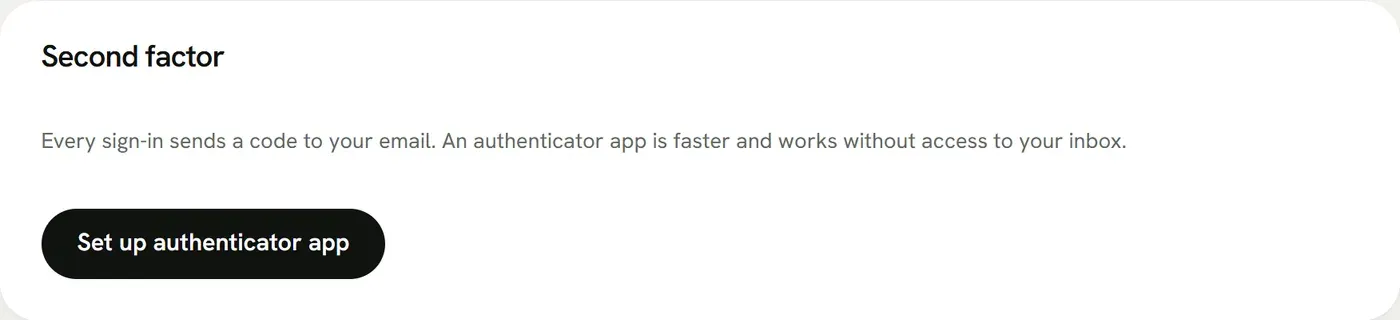
You sign in with email address and password. Mailiy then always asks for a second factor: a code by email, or a code from your authenticator app if you set one up under Account → Security. Setting it up gives you 10 recovery codes. Keep them offline; each works once. A new password needs at least 10 characters and must not appear in any known data breach. We check this against a list on our own server in the EU; your password is not sent to anyone else.
Account → Security also lists where you are signed in and lets you sign out single devices.
Under Account → Notifications you choose which emails you get: one for every sign-in, a warning when you have used 90 % and 100 % of your quota, and a monthly report. Sign-in mails and warnings start switched on, the report starts off.
You change your sign-in address under Account → Security with your password. We send a link to the new address and the change applies once you click it. The old address gets a note about the change.
When you delete your account, your forms stop accepting submissions right away. For 30 days you can undo this in the dashboard; after that we delete all data for good.