
Forms
Emails
What the emails look like: templates, custom HTML, placeholders and the auto-reply to the sender.
Emails in your inbox
A form's emails show up in your inbox as one conversation. If you want each submission on its own, turn off grouping under Settings. Each subject then gets a short number.
If an email to one of your addresses bounces for good, for example because the mailbox no longer exists, we mark the address as undeliverable under Account. Once you have fixed it, click “Deliver again”. We delete the mark after 90 days at the latest.
Templates and auto-reply
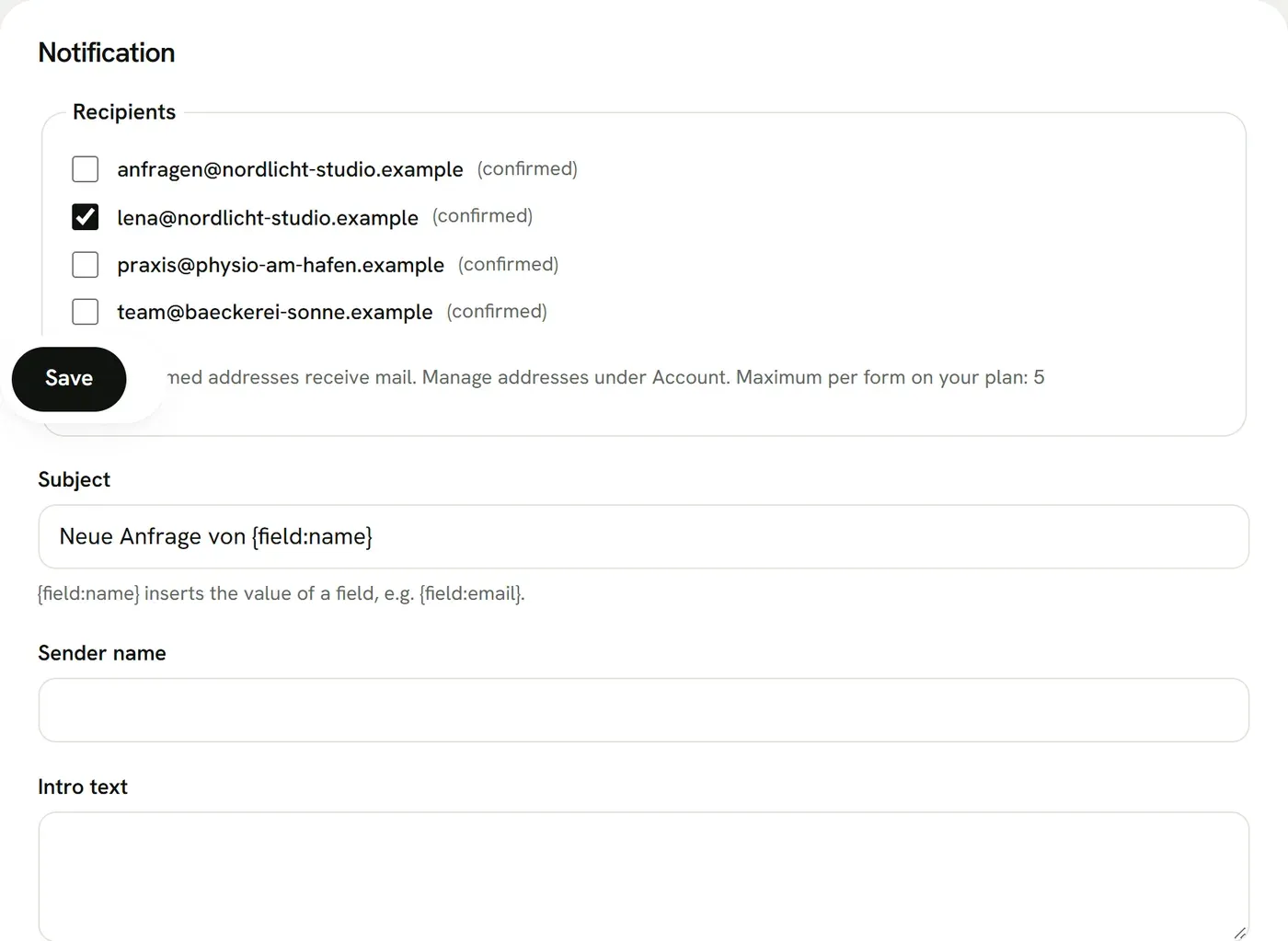
Under Settings you pick one of six templates for the email you receive, or write your own HTML. In it, {fields} inserts the table with all fields, {intro} the intro text, {form} the form name and {field:name} the value of a single field. We always add a plain-text version.
{field:name} also works in the subject, the intro text and the auto-reply, for example “Thanks, {field:name}”. In the auto-reply each inserted value is cut to 100 characters. “Preview” shows both emails with sample data before you save. On the Agency Plus plan the Mailiy name no longer appears in the emails.