
The dashboard at a glance
After you sign in you see every website, the latest submissions and how the month is going. From here you jump into any form.
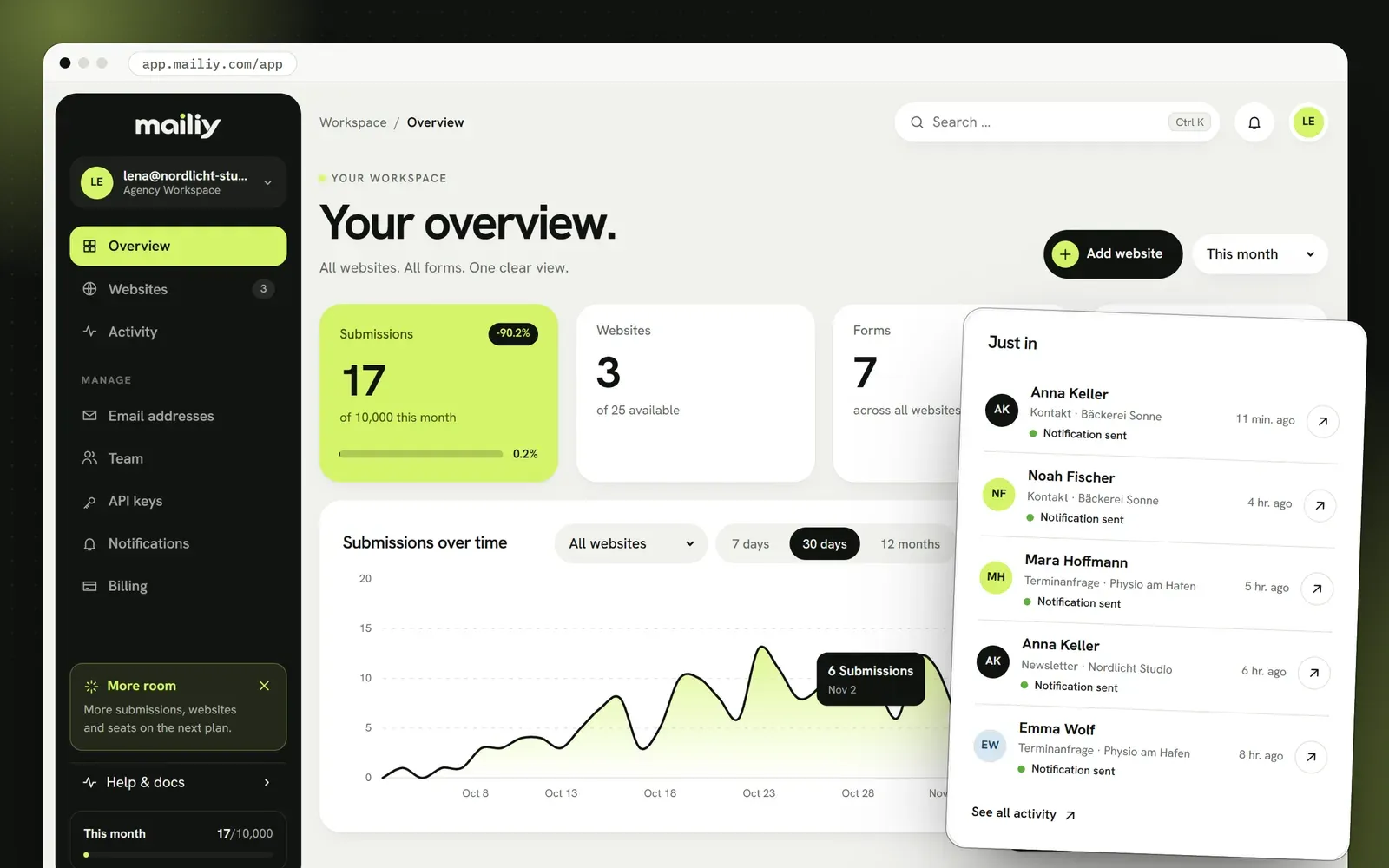
Nine areas in real screenshots, from the inbox and spam protection to the API. This is what Mailiy looks like after you sign in.
After you sign in you see every website, the latest submissions and how the month is going. From here you jump into any form.
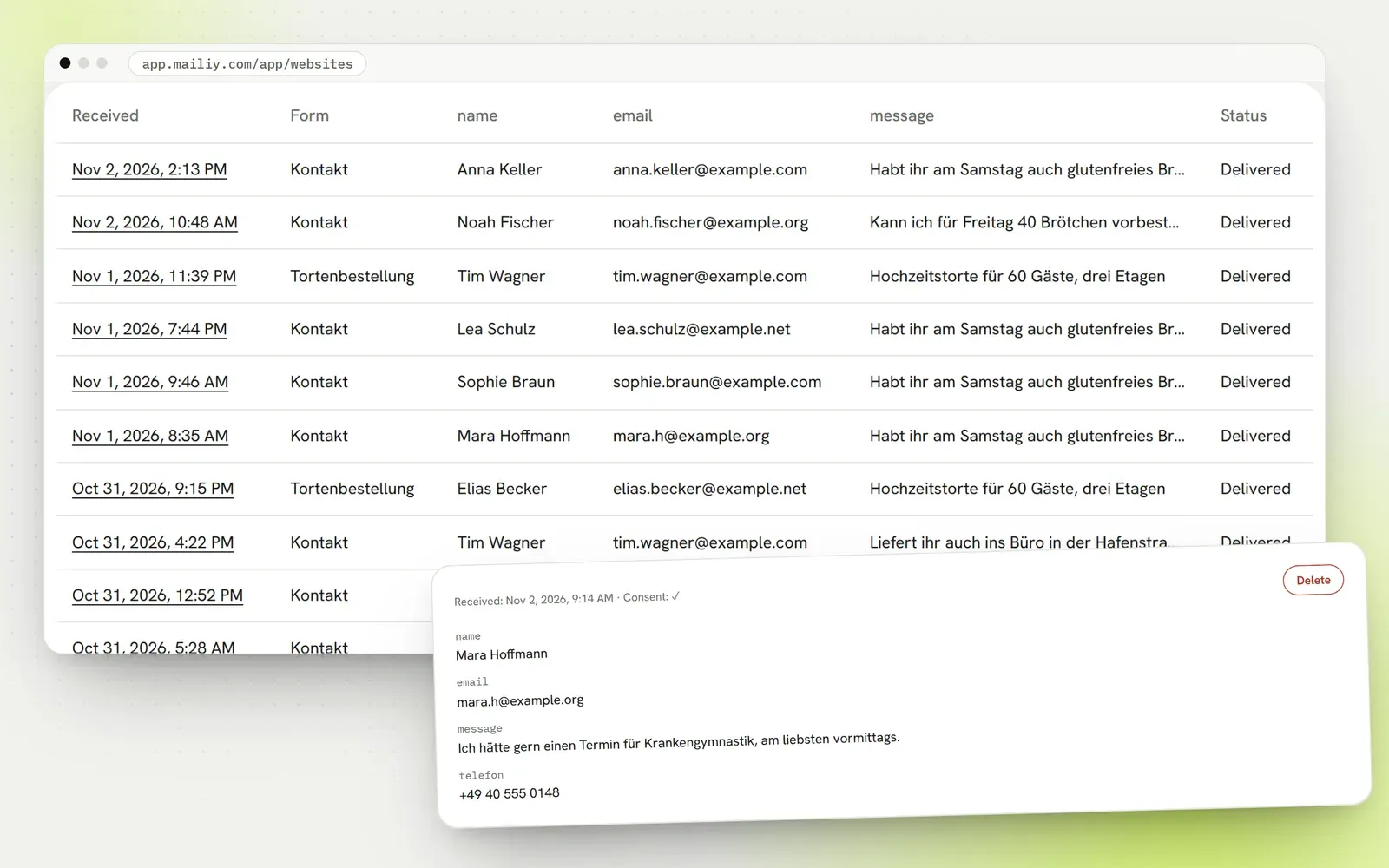
Each submission shows up under the website it belongs to, with name, message, time and files. Export them as CSV or delete single entries. Storage is AES-256 encrypted if you turn it on.
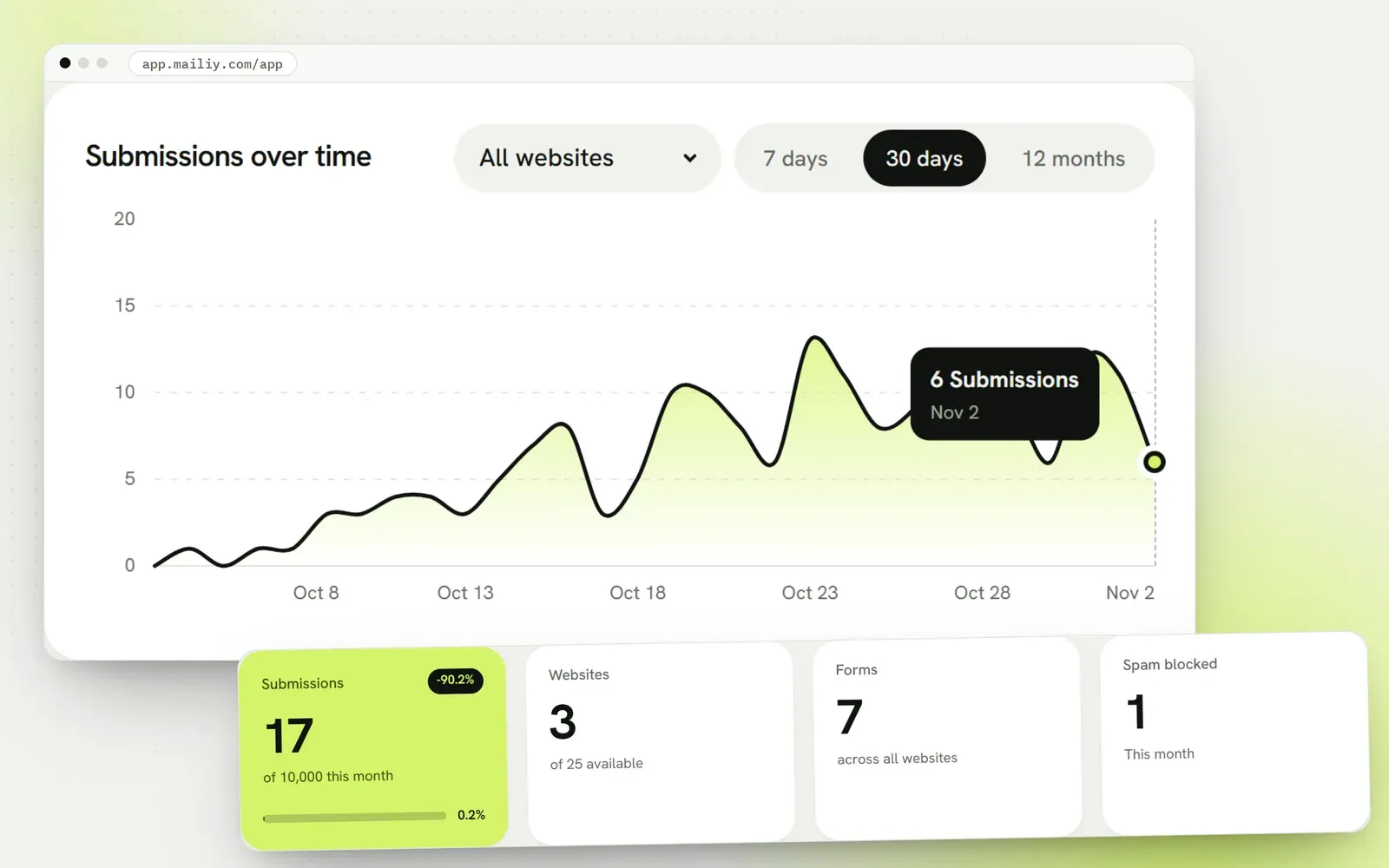
The chart shows per day how many messages arrived and how much spam was filtered. Your plan and the monthly numbers sit next to it.
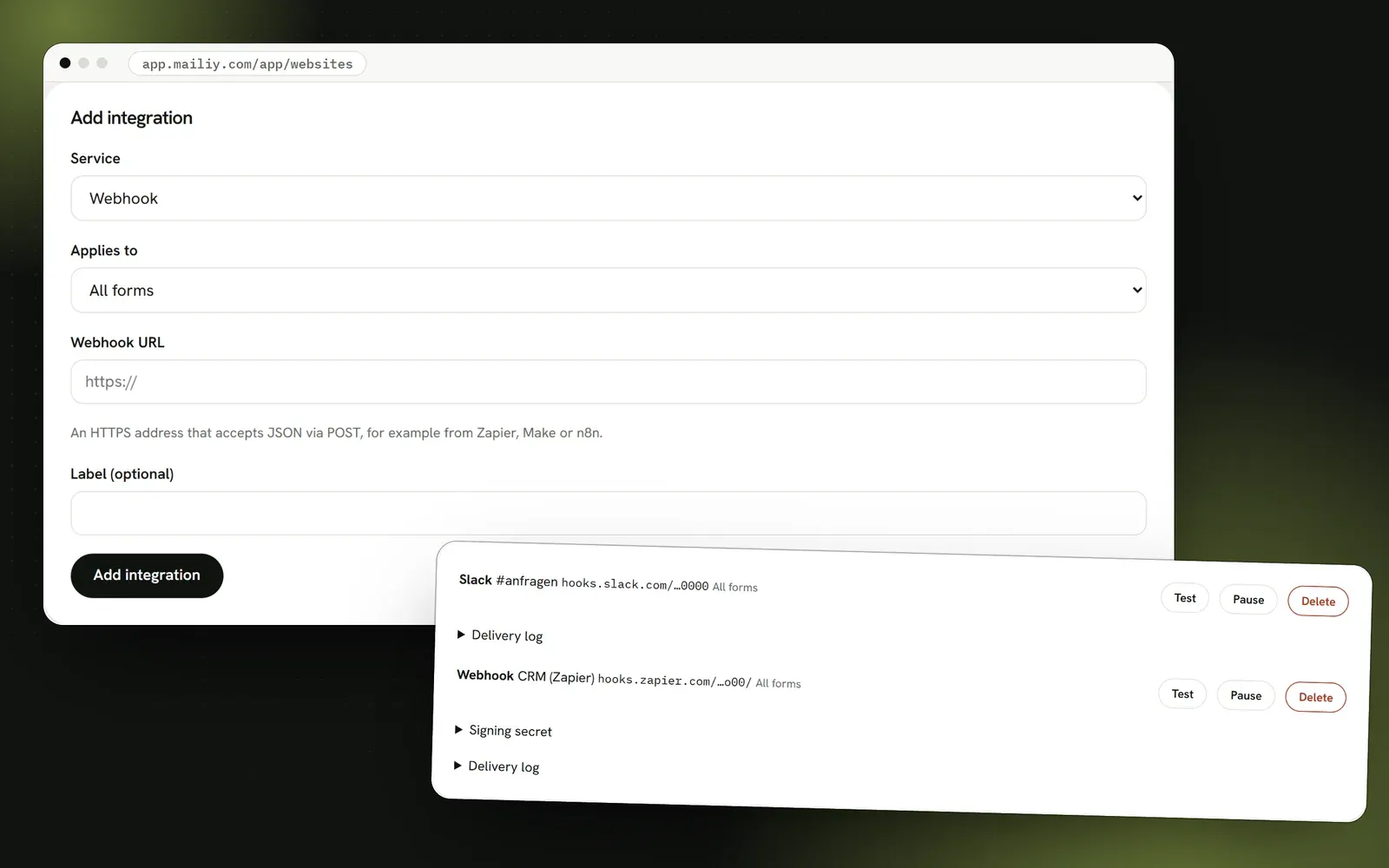
Mailiy can also post new submissions to a channel. A webhook sends the data as JSON to your CRM or to services like Zapier and Make.
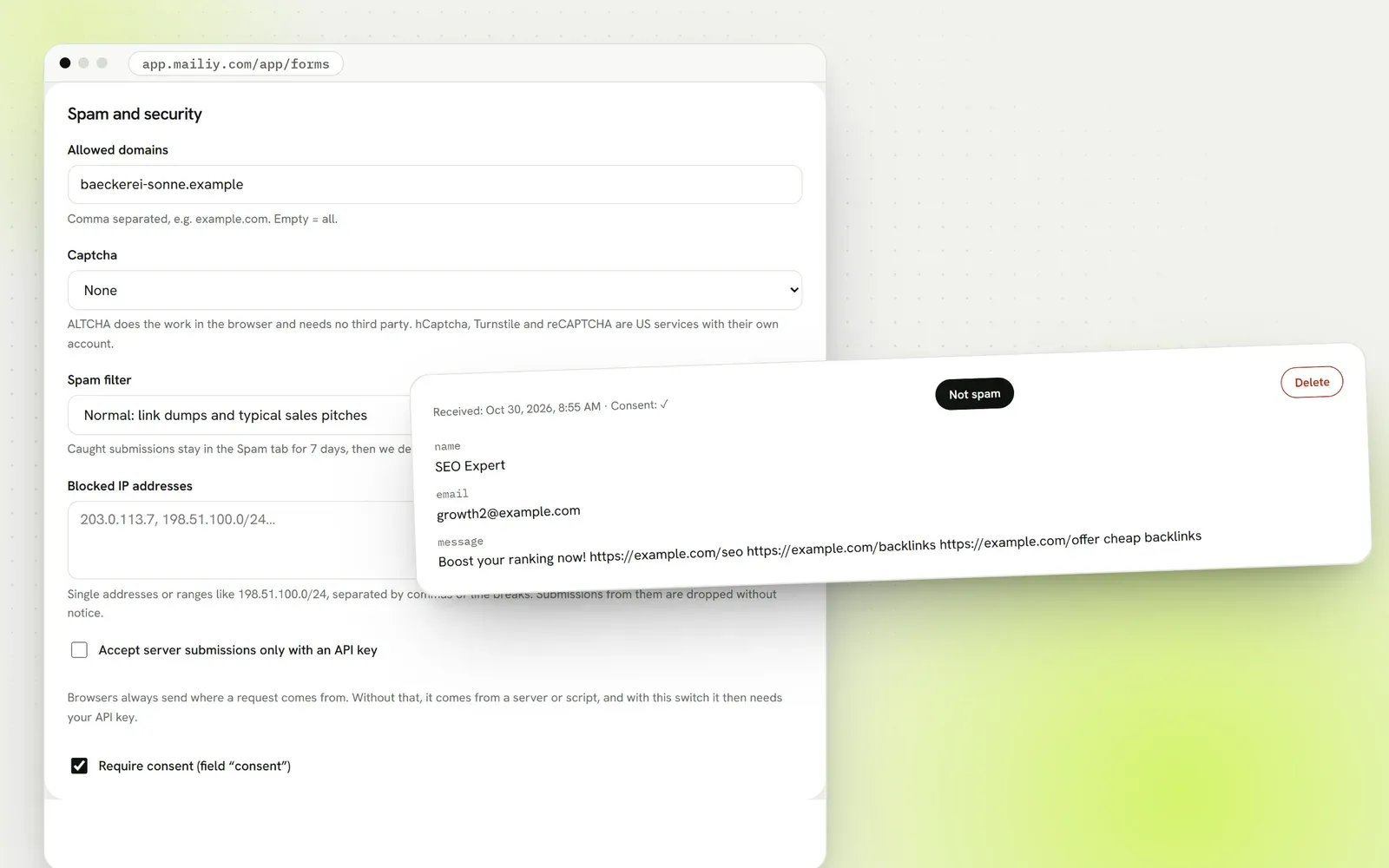
Honeypot, rate limits, allowed domains and a two-level content filter keep ads out. Filtered messages stay in the spam tab in case a real one slipped in. For more protection, add ALTCHA, hCaptcha, Turnstile or reCAPTCHA.
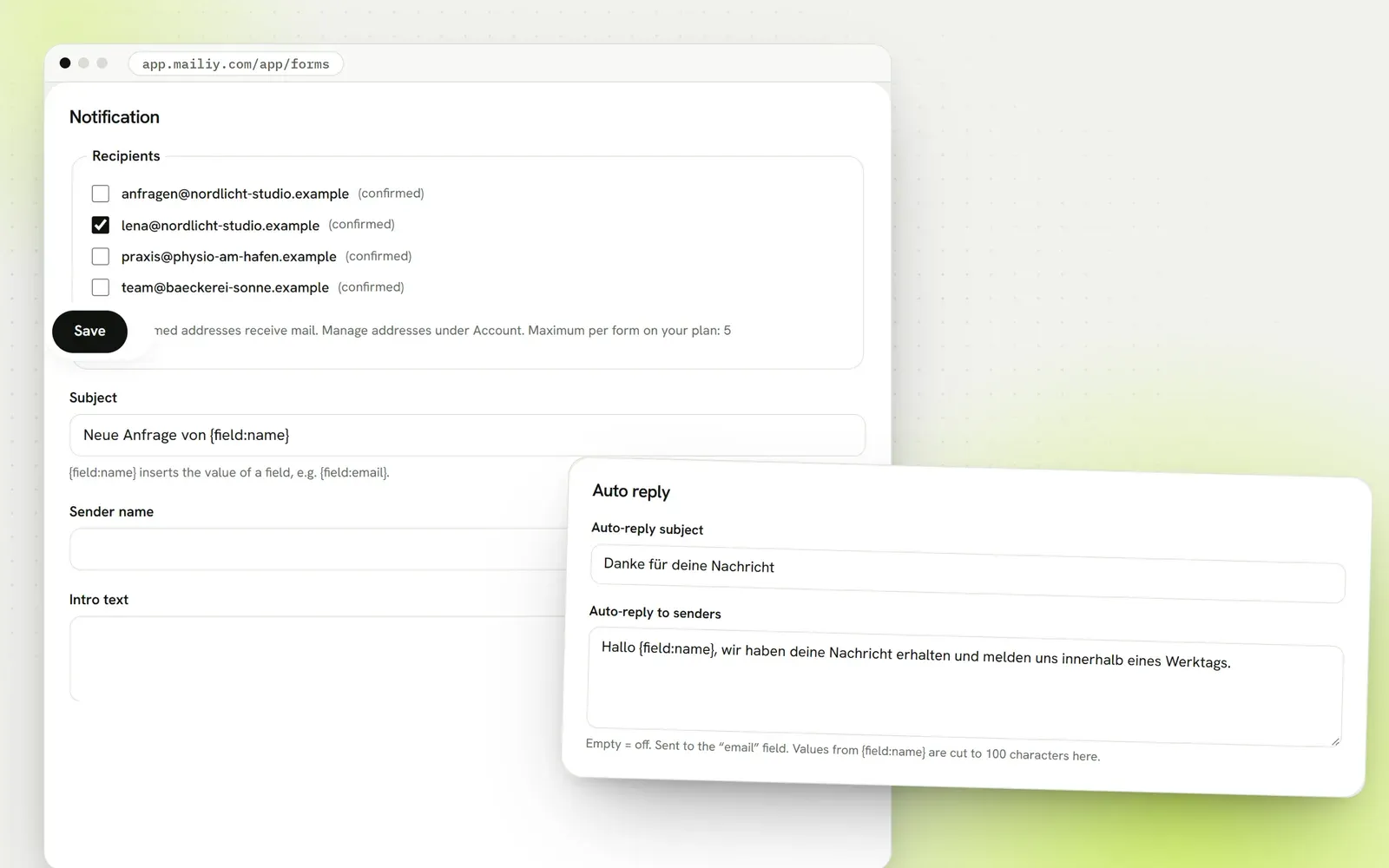
Seven templates for the notification, a subject with placeholders like {field:name} and an automatic reply to the sender.
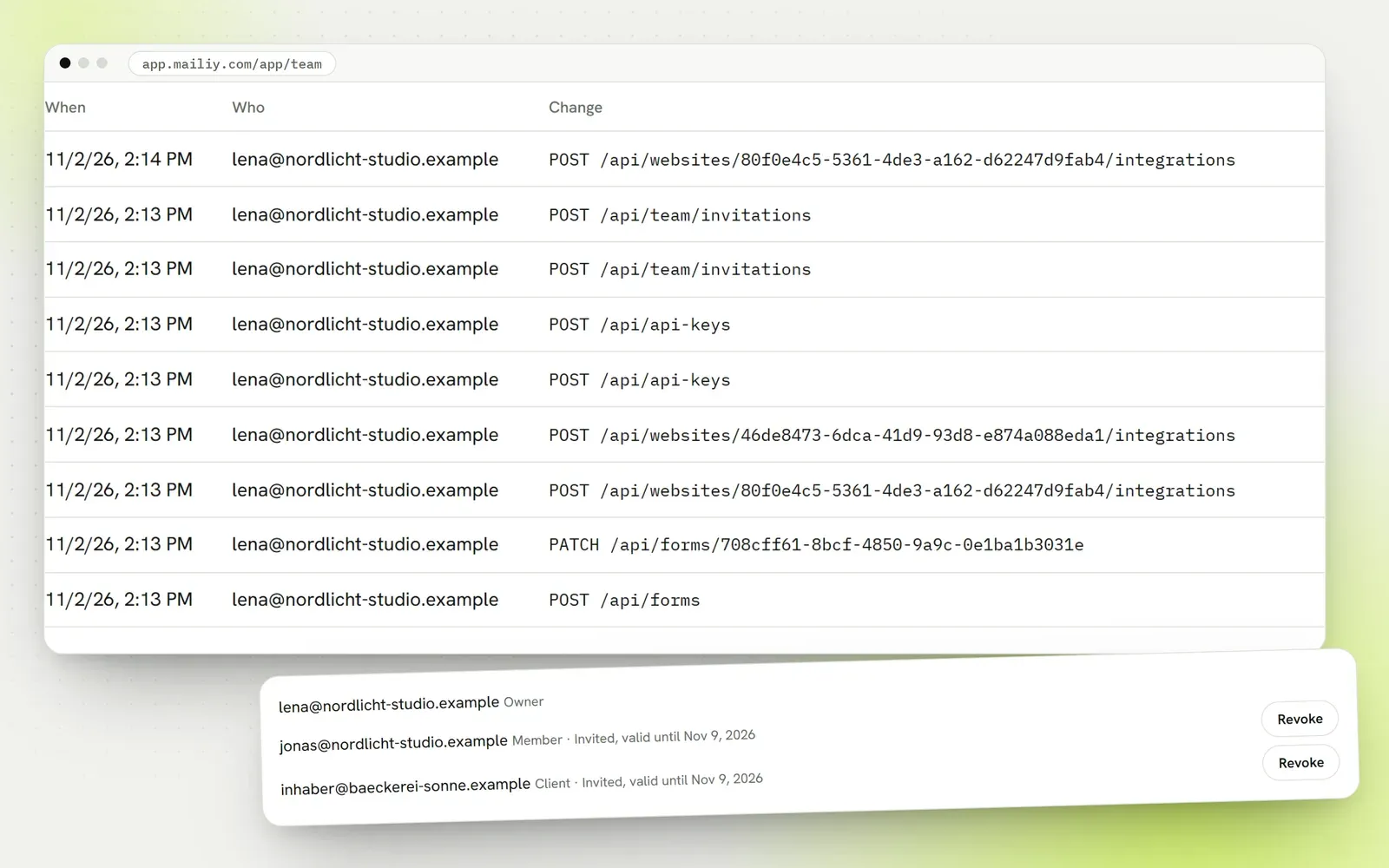
Invite people as admin or member and give clients read access to their own website only. The audit log shows who changed what and when.
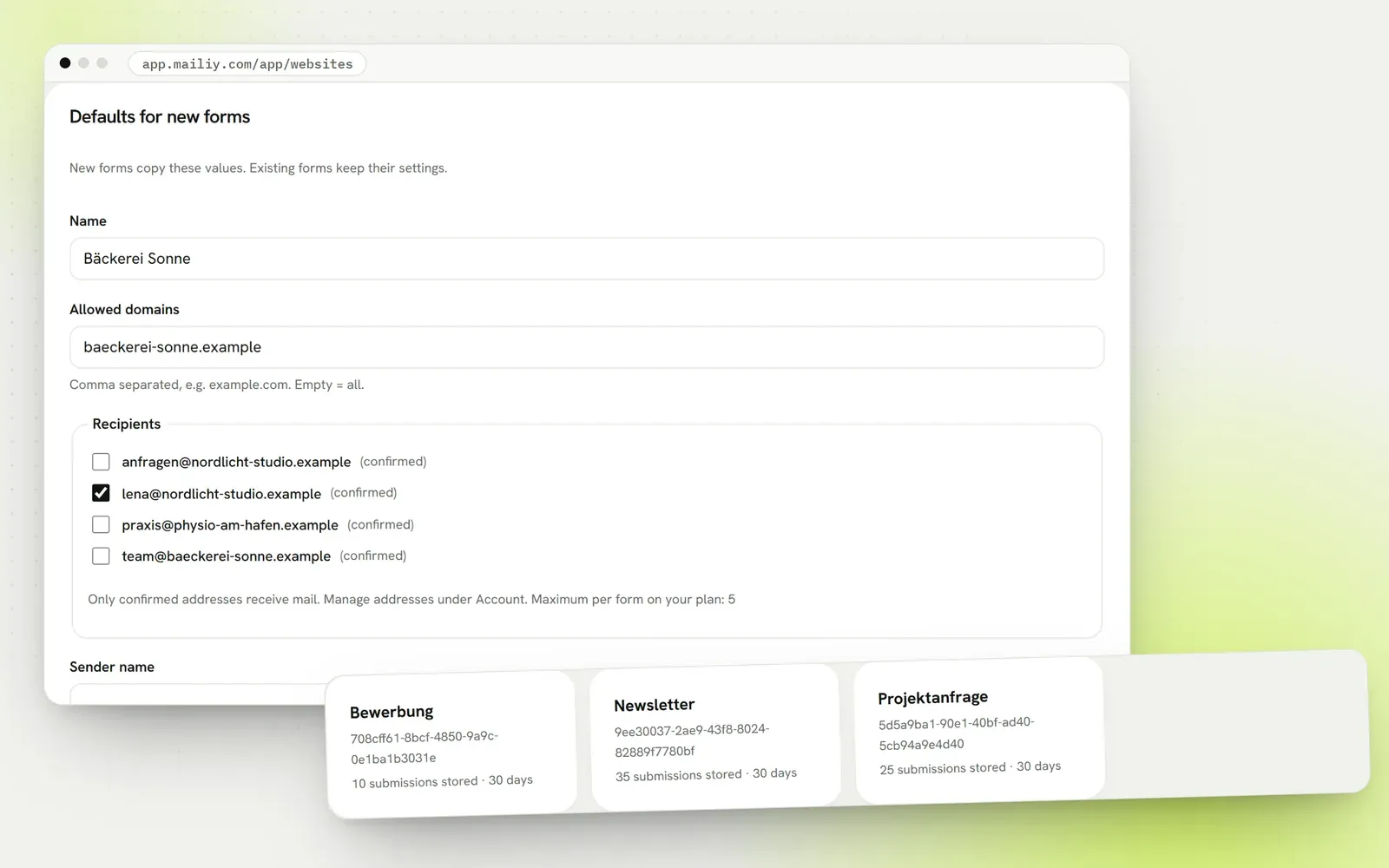
Each website has its own domains, recipients and sender name. New forms take over these defaults, and you only change what differs.
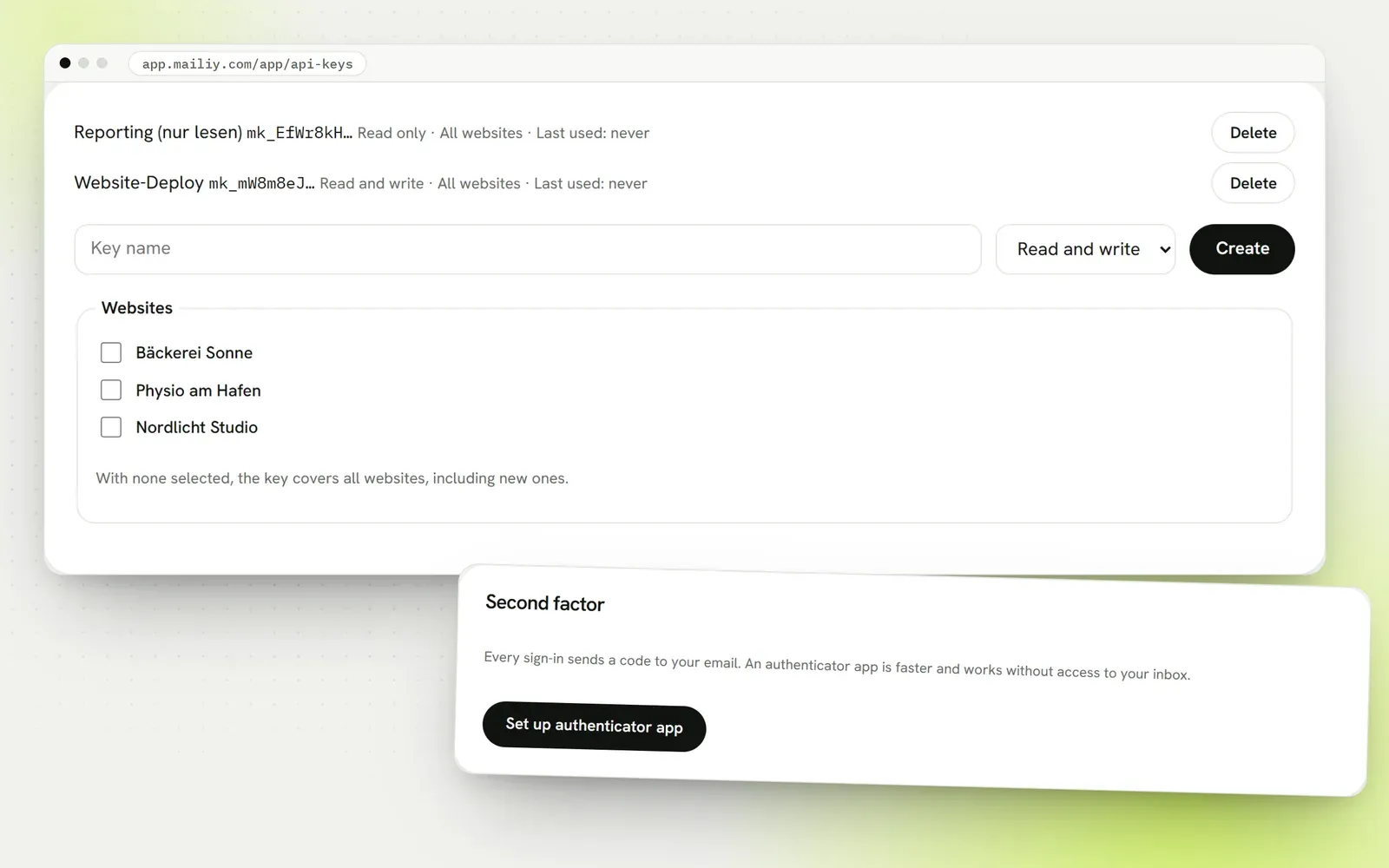
Keys with read or write access for deploys, reports and your own tools. With the SDK and MCP server, AI assistants can create forms too. Protect your account with a second factor.
Your own sender domain, self-hosting or high volumes: tell us what you need and we'll work out what's possible.